I imported the elevator model I made in Blender into Unity.
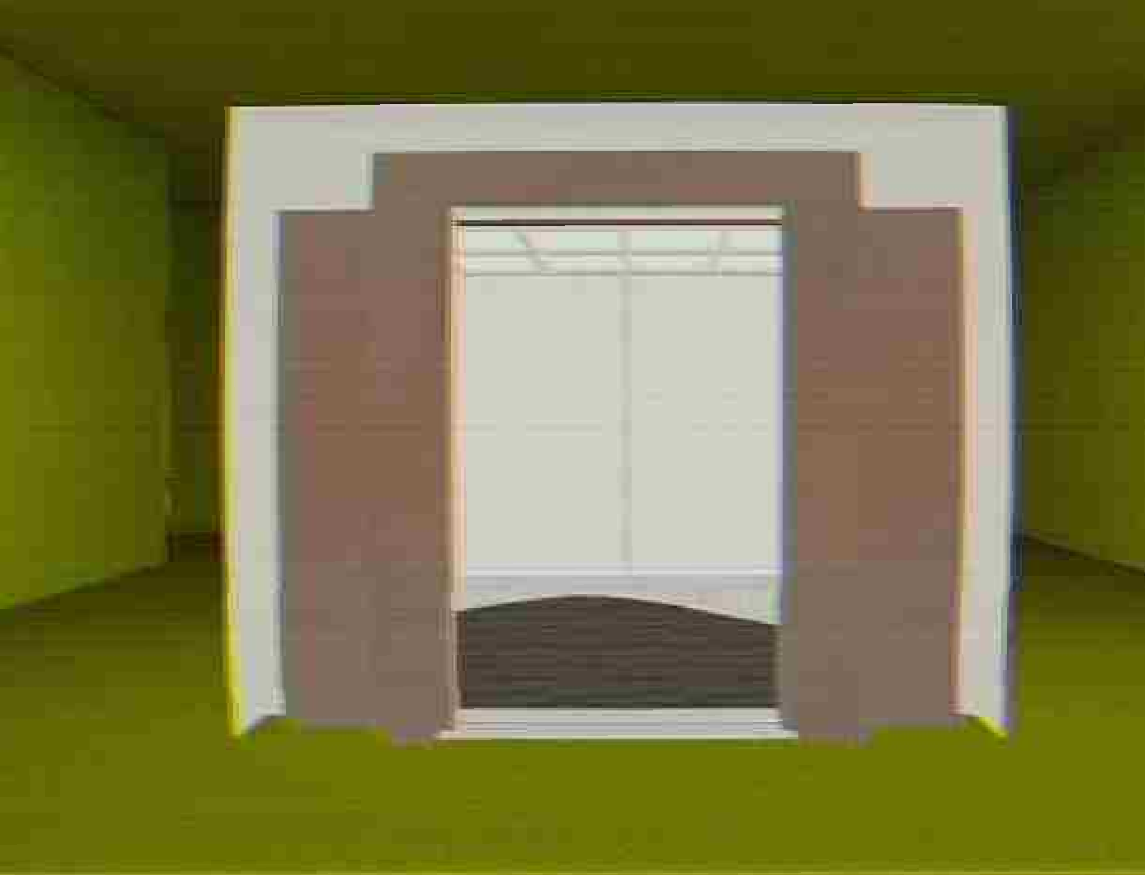
Things aren't looking good. What did you expect?
This were you expecting?
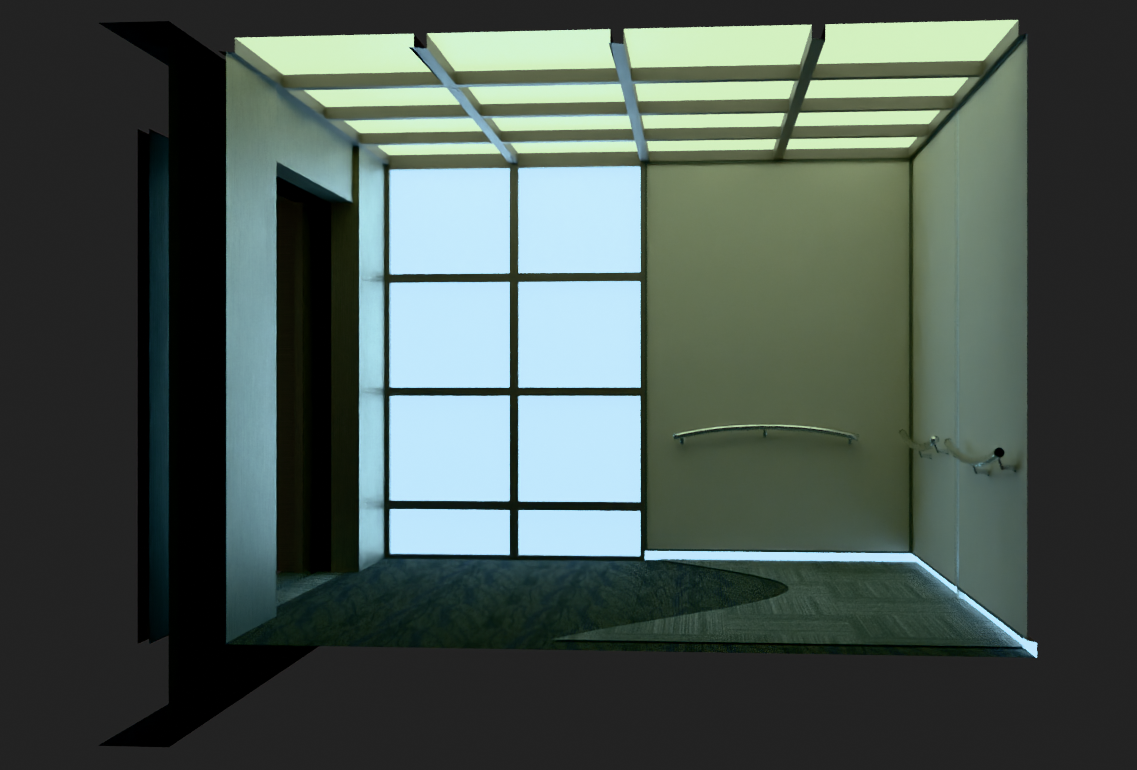
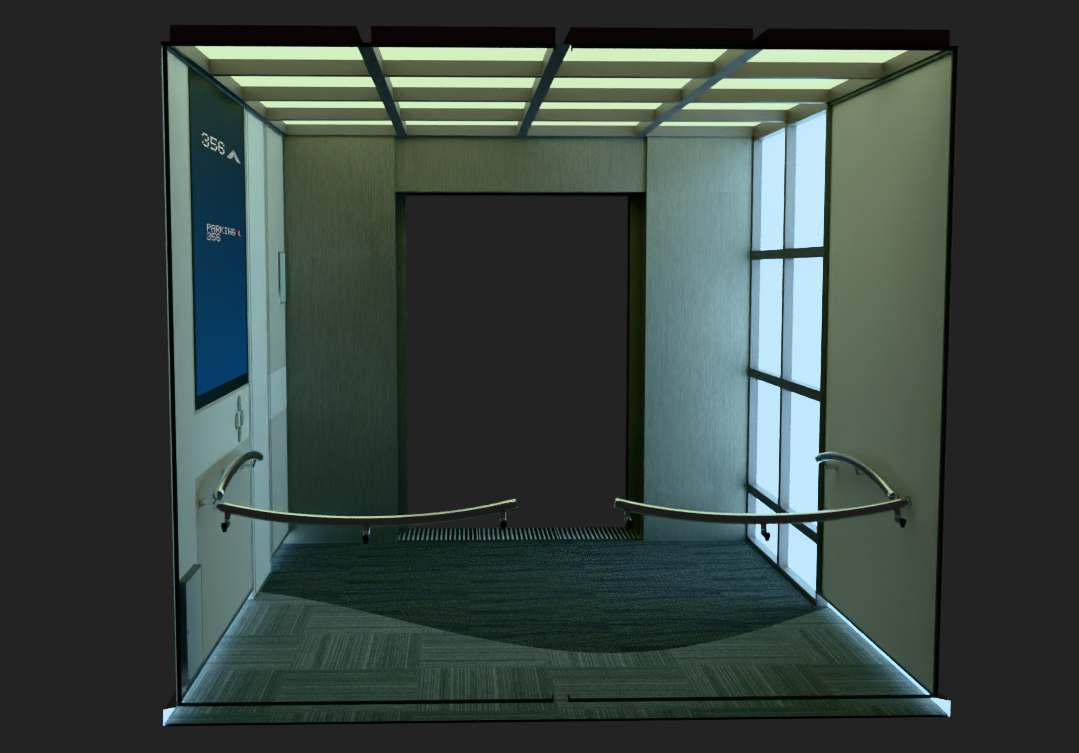
That's not how it works in Unity. It may look like that in Unreal but not in Unity. Not without some effort.
I needed something tangible to modify, to mold to my needs. It’s not exactly what I want yet, but that’s ok.
A first draft.
Walking around the cabin, I could already tell the proportions were right. The scale felt nearly perfect. That was enough to keep me going.
Next step is making this look good on Unity, or at least as close as I can to the viewport render from Blender.
I didn’t want to touch Unity’s lightmapper again. That thing gave me genuine PTSD. I considered Bakery, but then I stopped and thought: why not just bake in Blender?
That’s when I found SimpleBake. Took me about an hour to figure out, but I’m fully sold on it now.
Getting Blender to use my RX 6600 XT on Fedora was another story. Two hours of troubleshooting for what ended up being a stupidly simple fix: just use Blender 4.2. It already had the right drivers bundled.
Light baking the elevator itself was a bit of a fight. I kept getting these dark patches.
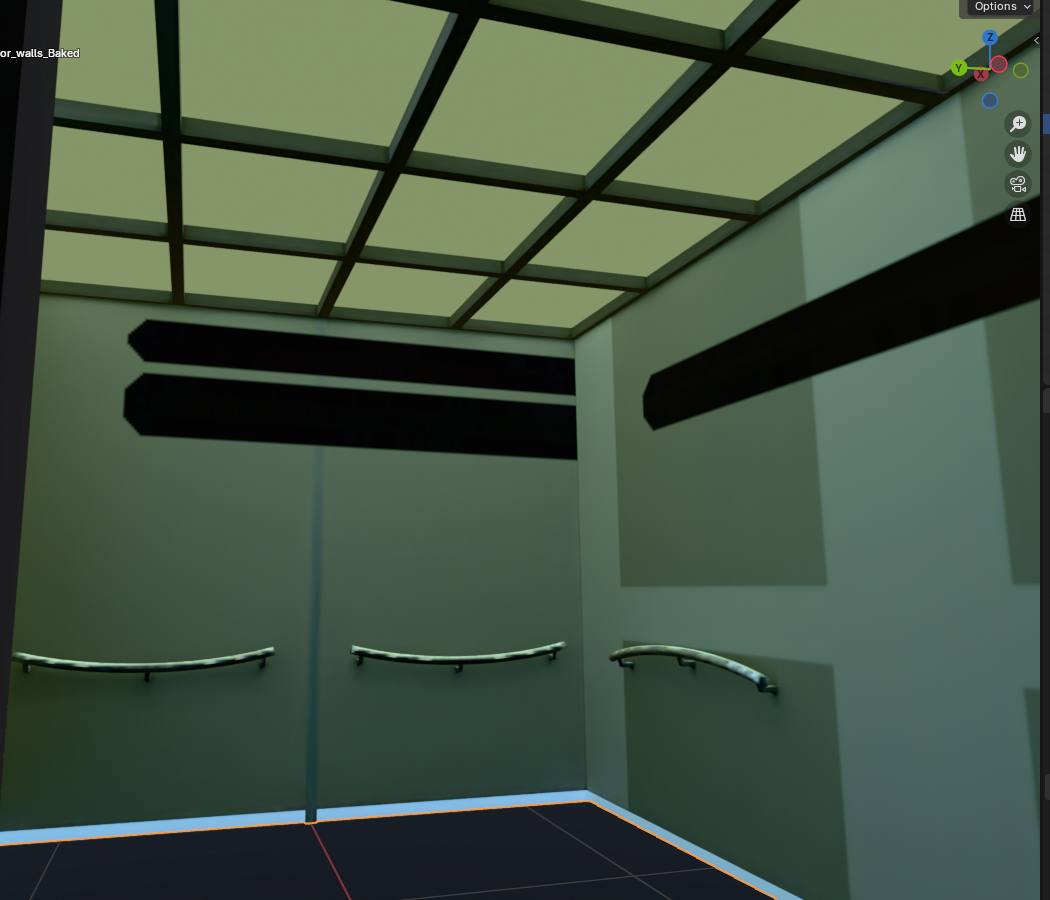
Debugging these dark artifacts are usually the ugly part of light baking but it's so worth the hassle. You get Disminal looking the way it does this way for so cheap computing wise.
After 2 or 3 hours attempting to debug what caused the dark patches I ended up remodelling the entire elevator to no avail.
I had split the model into too many separate meshes. Once I merged everything into a single mesh, the light baking behaved properly. The rays just needed continuity.
So after hours of trial and error, I went from this mess
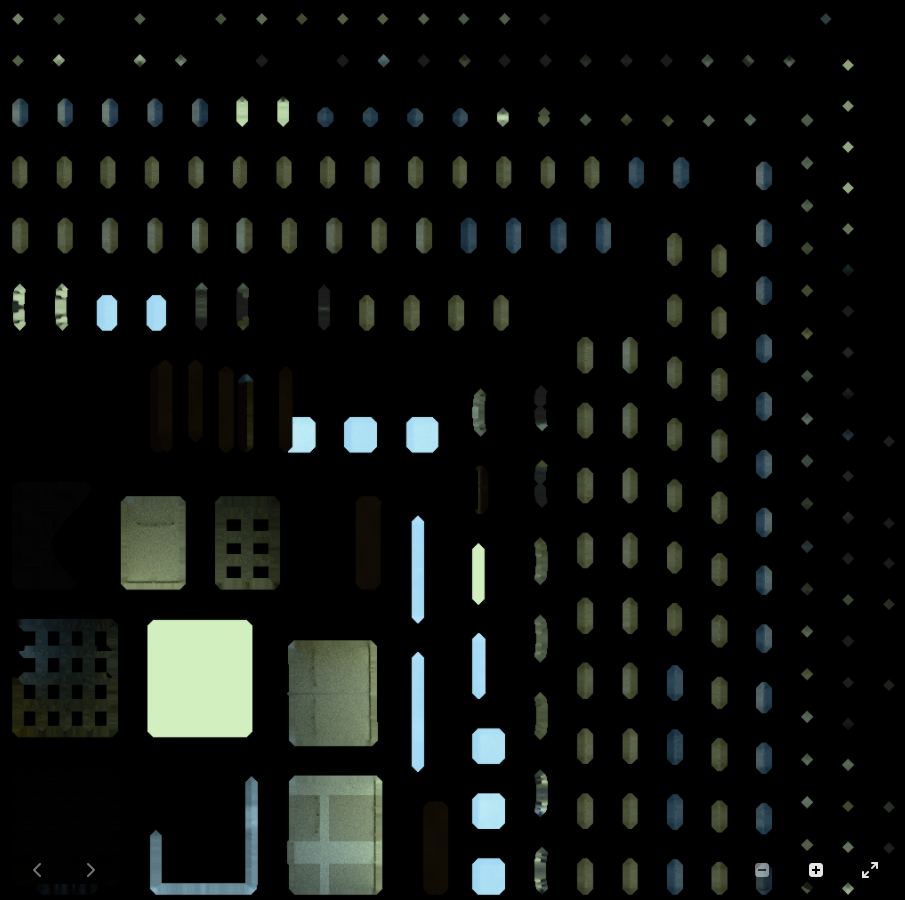
To this
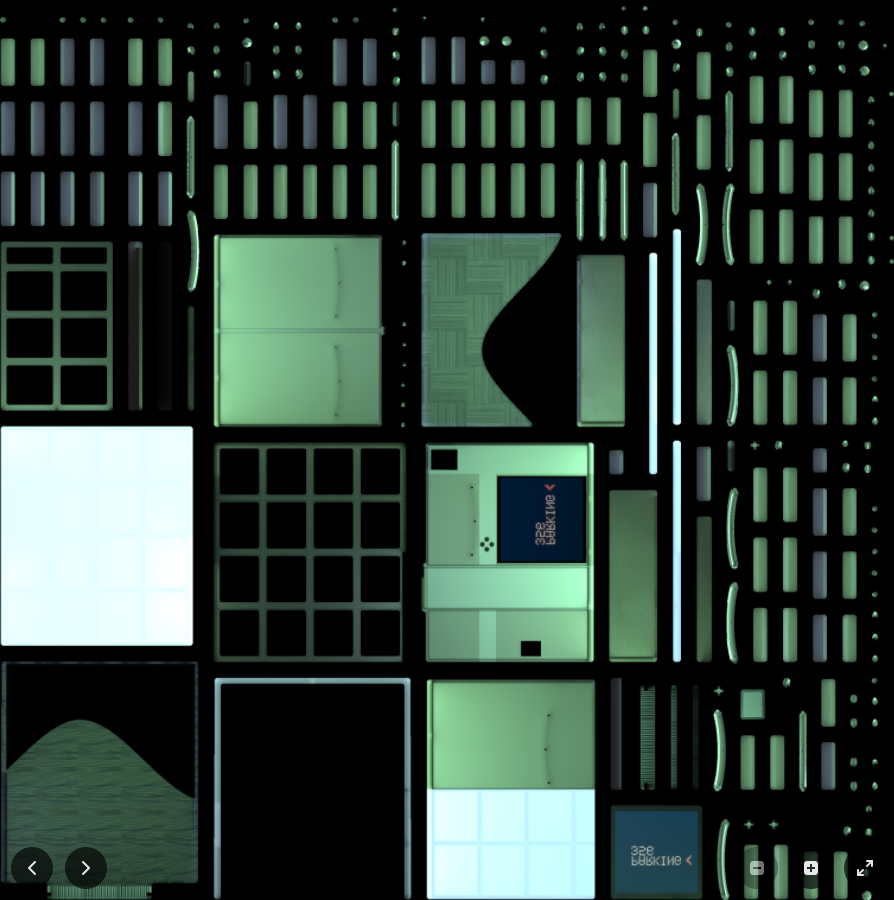
and finally, in Unity, the interior looked like this
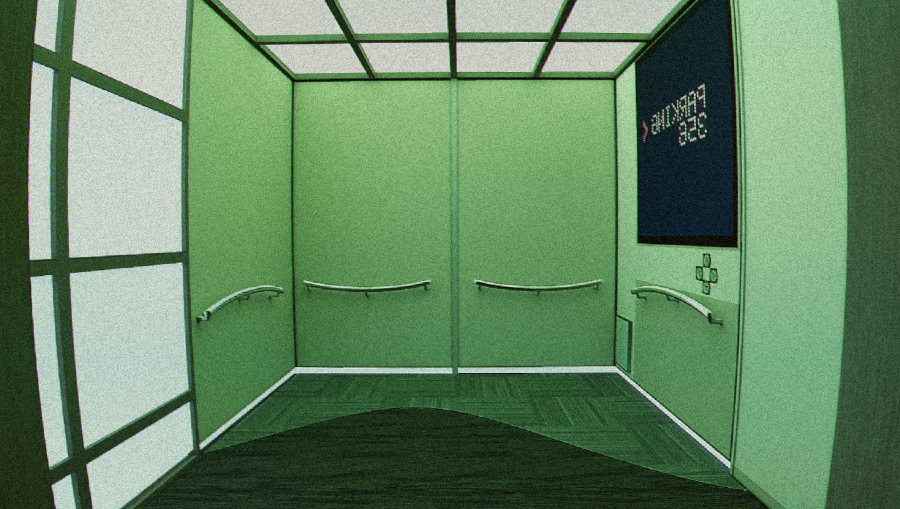
Big improvement.
Too green? yeah i know.
color choice isn't my concern right now. I made clear that getting to see this thing looking remotely like an elevator and fitting through a wall was the number one priority, everything else is a deadly spiral into obsessive tinkering that leads nowhere.
Get the fundamental structure right first all else are just details, part of the prettifying process.
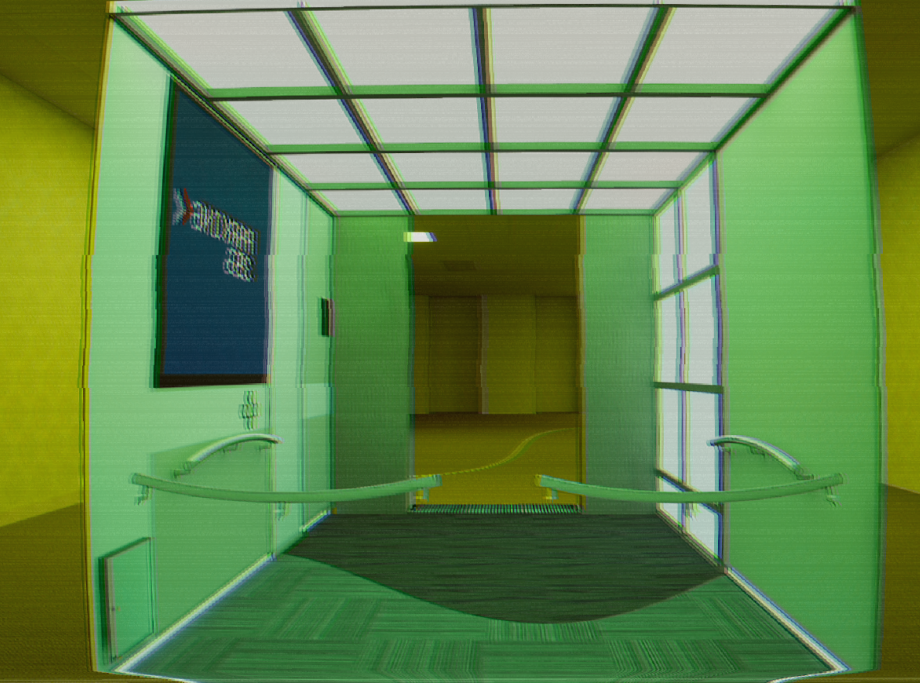
I was so happy to see this looking closer and closer to the blender render.
Listening to this while writing this entry.
the first 2 minutes are mindblowing, beautiful, got that modest mouse feel to it.
Holes. Non Geometrically intrusive surgery on these walls.
        void surf (Input IN, inout SurfaceOutput o)
        {
            float3 toPixel = IN.worldPos - _HoleCenter;

            // Project world position into hole local space
            float x = dot(toPixel, normalize(_HoleRight));
            float y = dot(toPixel, normalize(_HoleUp));

            // Calculate forward (normal) of the hole
            float3 holeForward = normalize(cross(_HoleRight, _HoleUp));
            float z = dot(toPixel, holeForward);

            float2 halfSize = _HoleSize * 0.5;

            // Logic: Is the pixel inside the box?
            bool inside = abs(x) < halfSize.x &&
                         abs(y) < halfSize.y &&
                         abs(z) < _HoleDepth;

            // clip(val) discards the pixel if val < 0
            // If inside is true, we pass -1 to cut the hole
            if (_HoleEnabled < 0.5)
            {
                clip(inside ? -1 : 1);
            }

            fixed4 c = tex2D(_MainTex, IN.uv_MainTex) * _Color;
            o.Albedo = c.rgb;
            o.Alpha = c.a;
        }
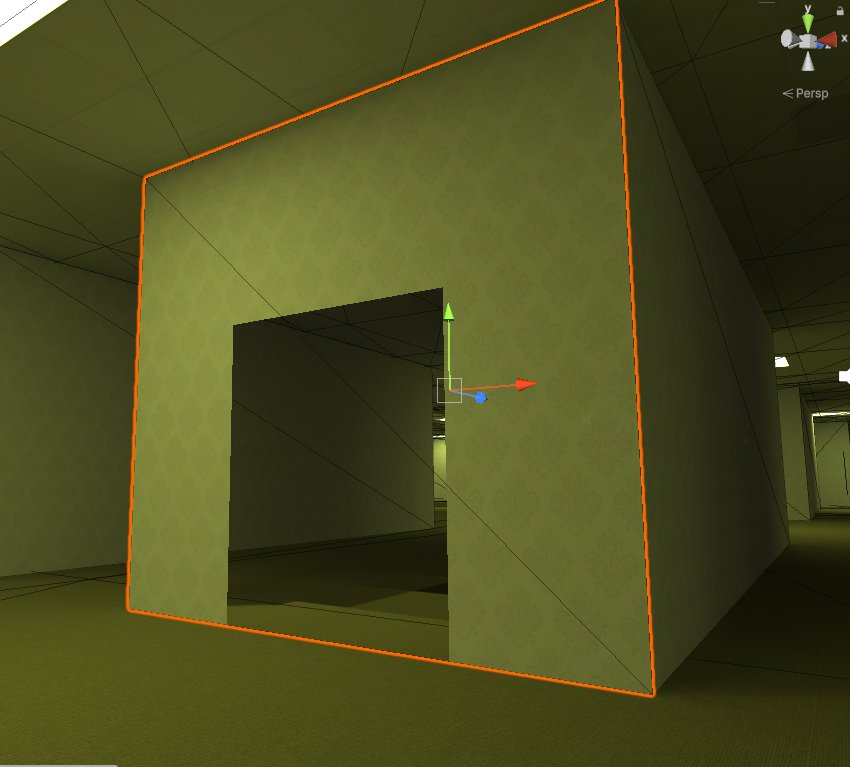
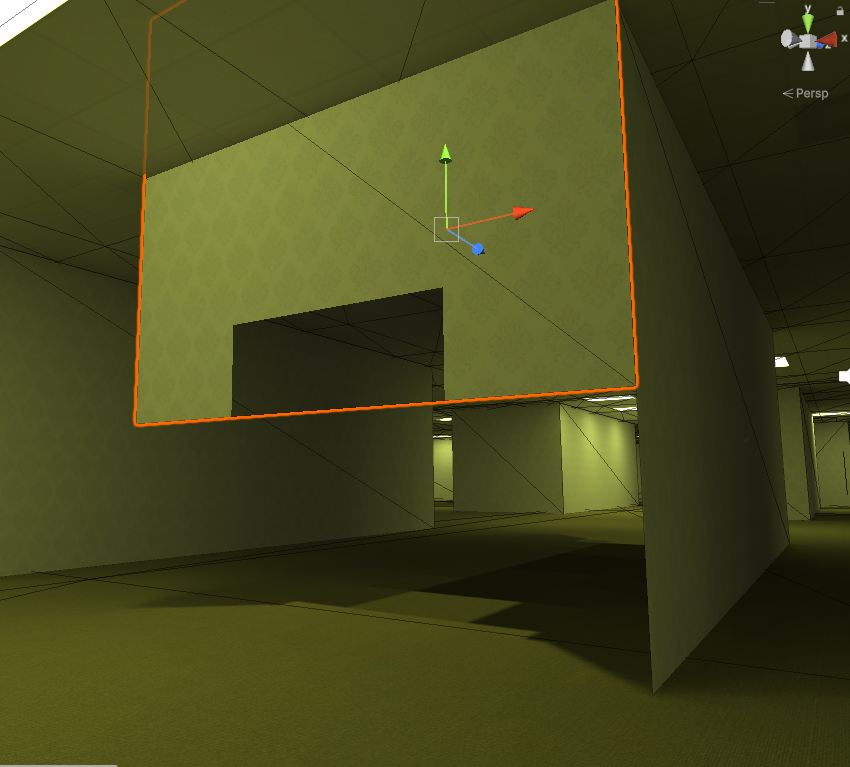
So cool, the holes feel like those boolean modifiers in Blender, even when moving the wall or hole position, it stays fixed in world coordinates. This will do.
Shaders are like dark magic, manipulating how things should be seen, games are really a constant magic show.
So this was the missing piece to save myself from traumatizing months of work, I could definitely have all this cohesively existing with everything else. We'll see about that.
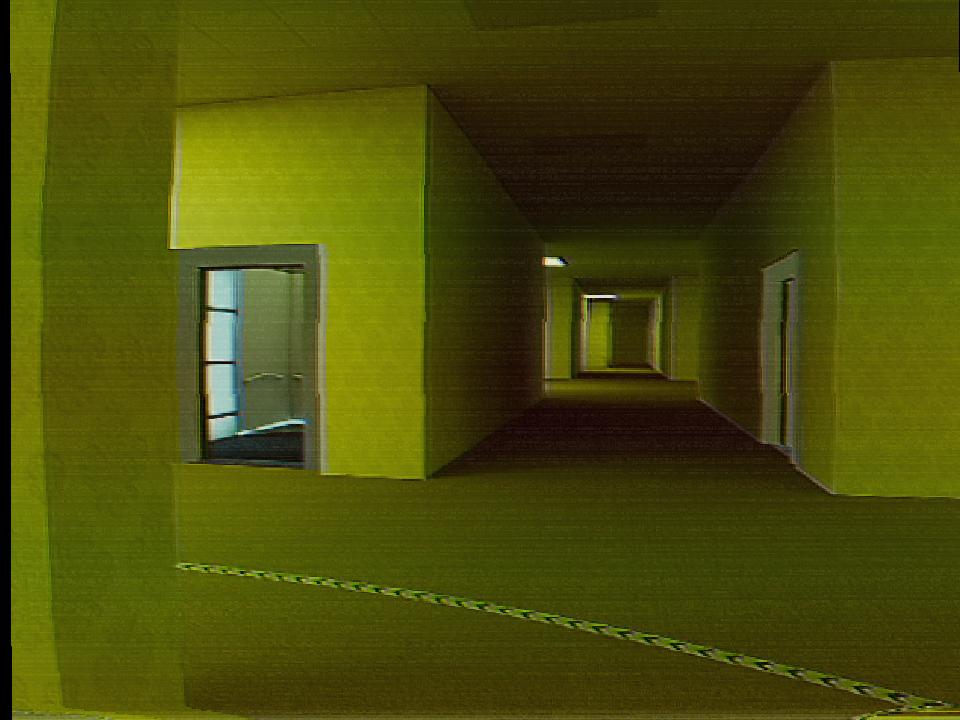
I like where this is going.
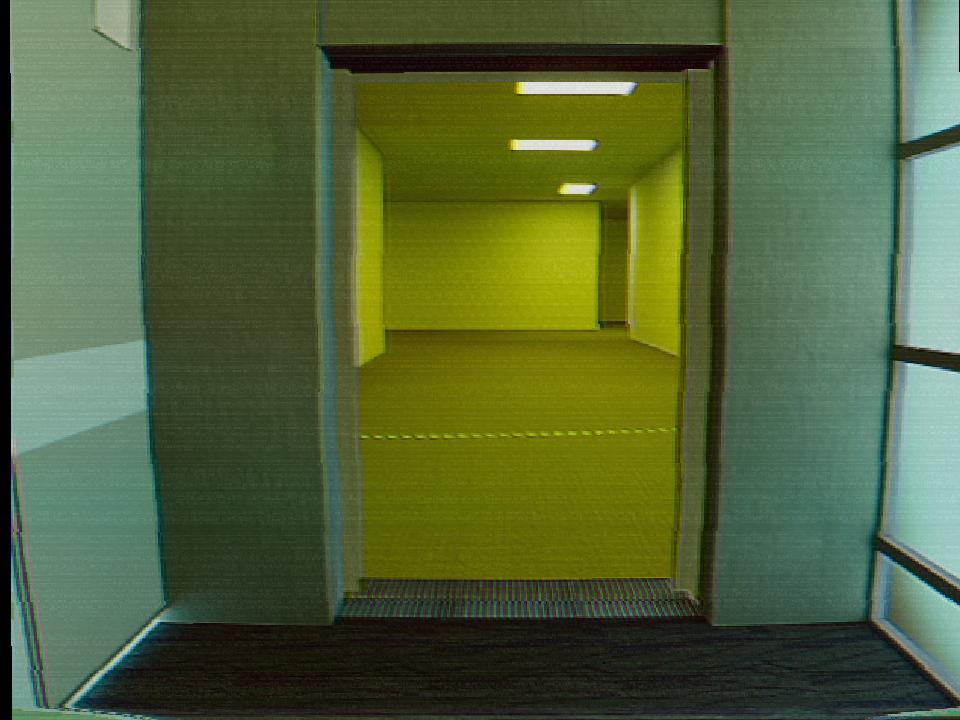
Hmmm.
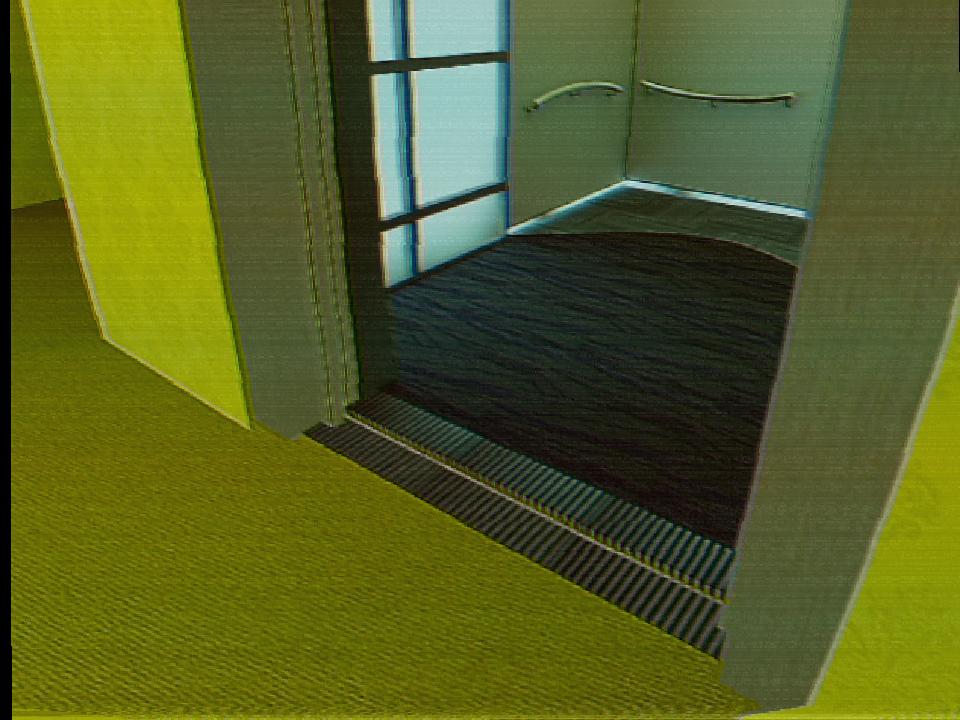
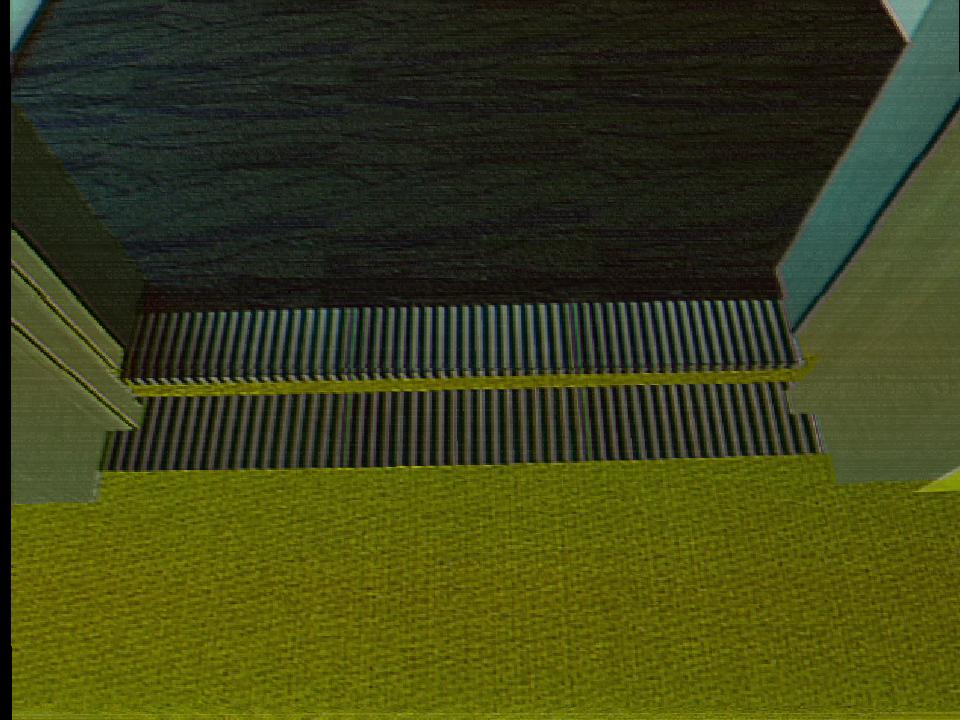
Disgusting.
door railing is just temporary, it better look like this
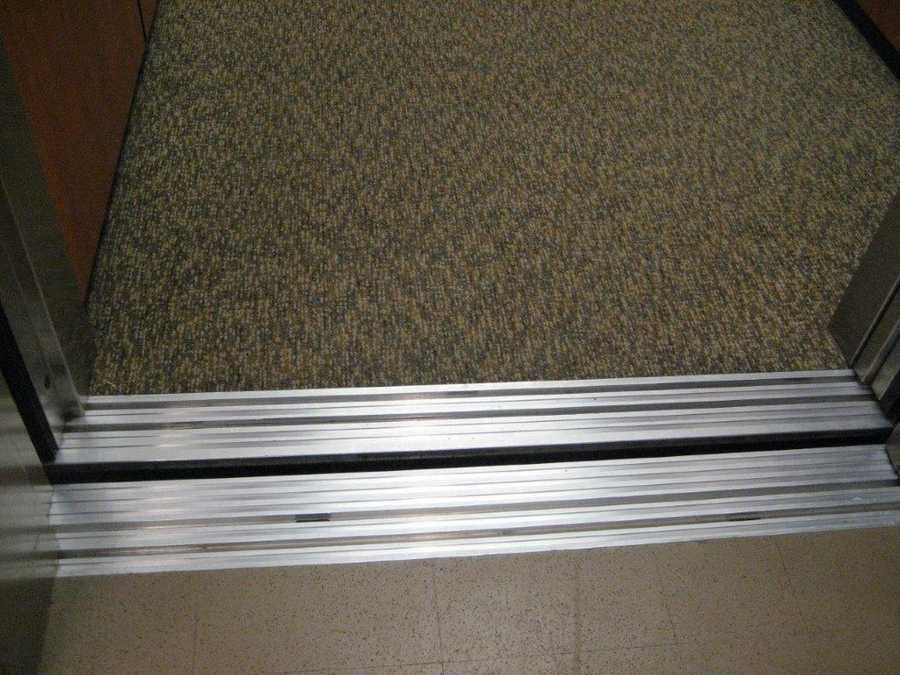
That beautiful black void between them.
control panel is next
this is interesting. i started my project in UE5 and its interesting to get a glimpse at how things are maybe different across engines. it seems like Unity has maybe more nuance, and Unreal allows for maybe more ham-fisted-ness (or is it laziness?). nice entry.
This is so cool! Is this for an update for Disminal?
@thebattybat
thanks! yes it is, this is for 2.0 which I plan to implement after the android release, will share about how the android release is going too, might be a bit technical but I'll try to keep it readable